Sim Racing Guide
SimHub Setup Guide for Your Velocitas Imperium Device
Introduction
SimHub is the go-to software for sim racers who want to get the most out of their hardware. It powers dashboard displays, LED rev lights, button box inputs, and much more and it's completely free.
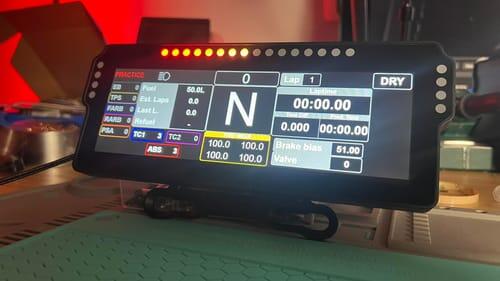
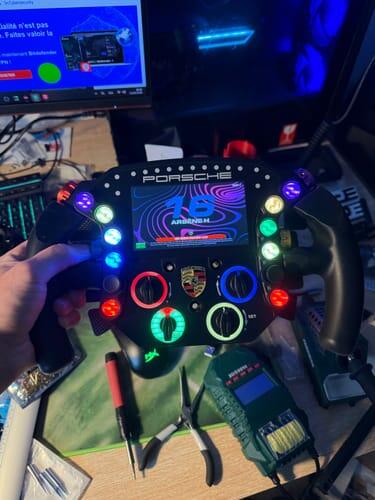
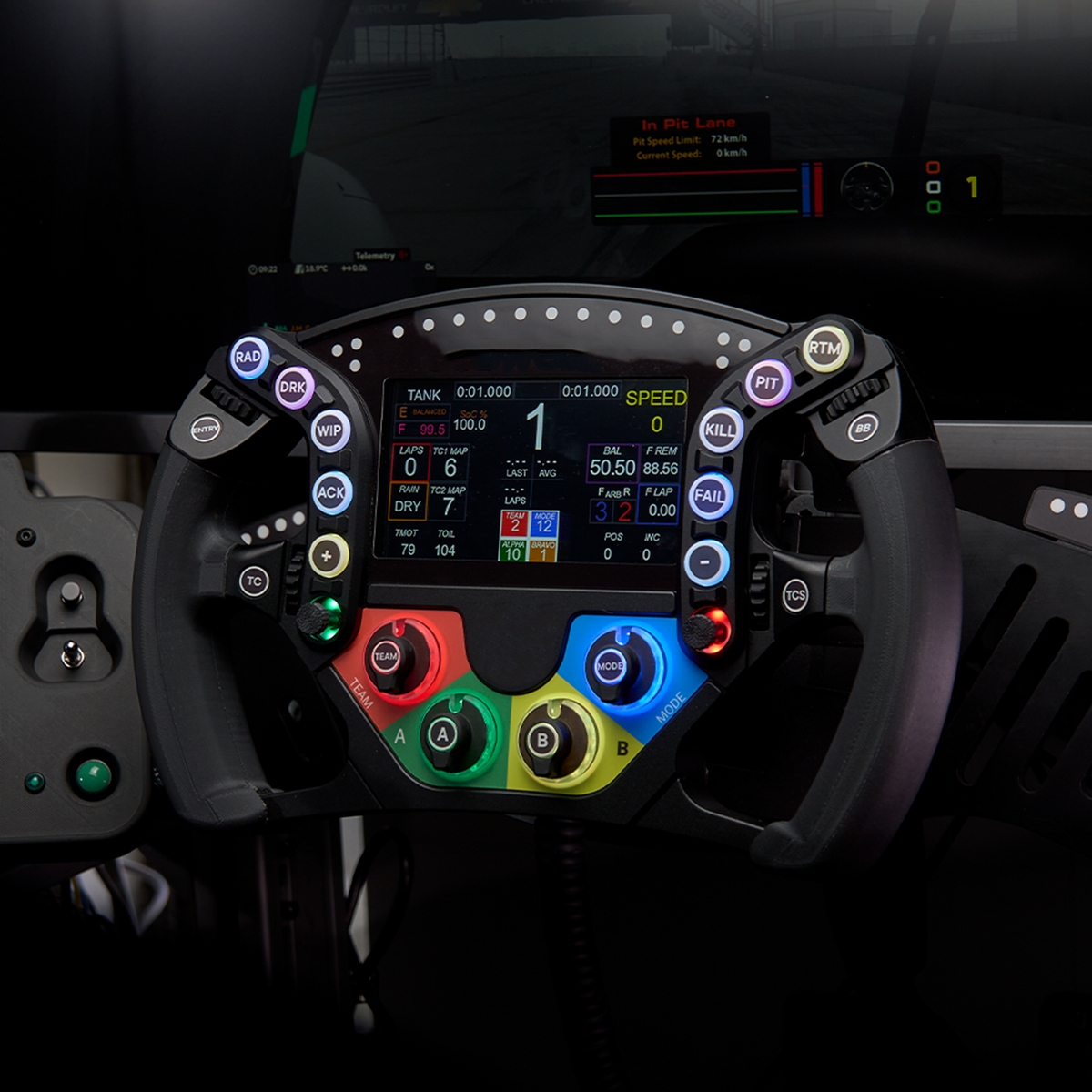
What makes Velocitas Imperium devices special is that we worked directly with the SimHub team to have all our products pre-listed in the software. This means that when you plug in your DDU, button box or wheel, SimHub recognises it immediately and sets up the correct name, screen orientation, LED configuration and default profile for you. There's no need for manual configuration or guesswork. Just plug in and race!
This guide walks you through the initial setup and then shows you how to take your experience further with two of the best community plugins out there.
Part 1 — Basic Setup (Plug & Play)
Step 1 — Download and install SimHub
If you haven't already, download SimHub from www.simhubdash.com. Install it and launch it.
Step 2 — Connect your device
Connect your Velocitas Imperium device to your PC via USB. No drivers are needed (the VoCore drivers can be installed via the SimHub installer).
Step 3 — Add your device in SimHub
In SimHub, select 'Add Device'. As all VI devices are pre-registered in the SimHub database, the software will recognise your device and place it at the top of the list automatically.

Two VI devices appear at the top in this example(P8W-DDU and VI-RSR)
Step 4 — Select your device
Click on your device to select it. Everything is pre-configured exactly as it should be, with the correct screen orientation, LED colours and default profile already applied.

Once you have imported the device it will be shown like this
Step 5 — You're ready
That's it. Launch your sim of choice, and your device will start displaying live race data immediately.
Part 2 — Level Up: Community Plugins
The default setup is great, but the sim racing community has built some incredible preset and plugins that take your dashboard and LED experience to another level. Here are the two we recommend and officially support.
Lovely Dashboard — by lovely sim racing
Lovely Dashboard is one of the most polished and widely used dashboard template collections in the SimHub community. The templates are clean, elegant, and highly readable designed to give you exactly the information you need without visual clutter.
How to install:
- Visit the Lovely Dashboard GitHub page
- Follow the Lovely SimRacing installation tutorial.(Skip step 1 as it's asking to install SimHub)
- Follow the instructions all the way through to the end. You can install ATSR in the Lovely Plugin Installer, as well as the Neored Plugin (install this if you want to play Le Mans Ultimate).
- Once you have installed the dashboard on the plugin page (inside SimHub), you can access the device list and select the dashboard that the device will use.
Once you have finished, you can either enjoy the dashboard as it is or check the plugin page to customise it further.

ATSR-Hub EVO — by ATSR
ATSR is the community standard for LED rev light profiles. If you want your LEDs to behave like those in a proper racing car, with features such as smooth gear changes, accurate rev ranges and pit limiter warnings, then ATSR profiles are what you need.
Right now it's compatible with our DDUs, VI-RSR, VI-CWBB and VI-296BB
How to install:
- Join the ATSR Discord server
- Go to the 'download-atsrhubevo' channel and download the latest plugin.
- Follow the installation guide in the PDF file inside the plugin files.
- Open the ATSR plugin and go to the 'device-hub' to add the devices.
- For each device added to the ATSR-Hub EVO plugin, download the LED profile from there. Then, go back to the Simhub device list and import the recently downloaded profile.
ATSR profiles work across all Velocitas Imperium devices and beyond. One of the best features is the ability to add any device to the plugin, including unsupported devices from SimHub and your own custom DIY projects. You can learn more by watching this video
Honorable mention
Lovely TeamLINQ — by lovely sim racing
It's still in beta at the moment, but it's a promising piece of software that gives you a direct stream of your teammate's telemetry. We don't know of anything else that does the same and has the same ecosystem as the lovely SimRacing Team has created.
Ready to Build?
If you don't have your Velocitas Imperium device yet, browse our full range of DIY projects, DDUs, button boxes, and our wheels and pick your next build.